Keyboard-first
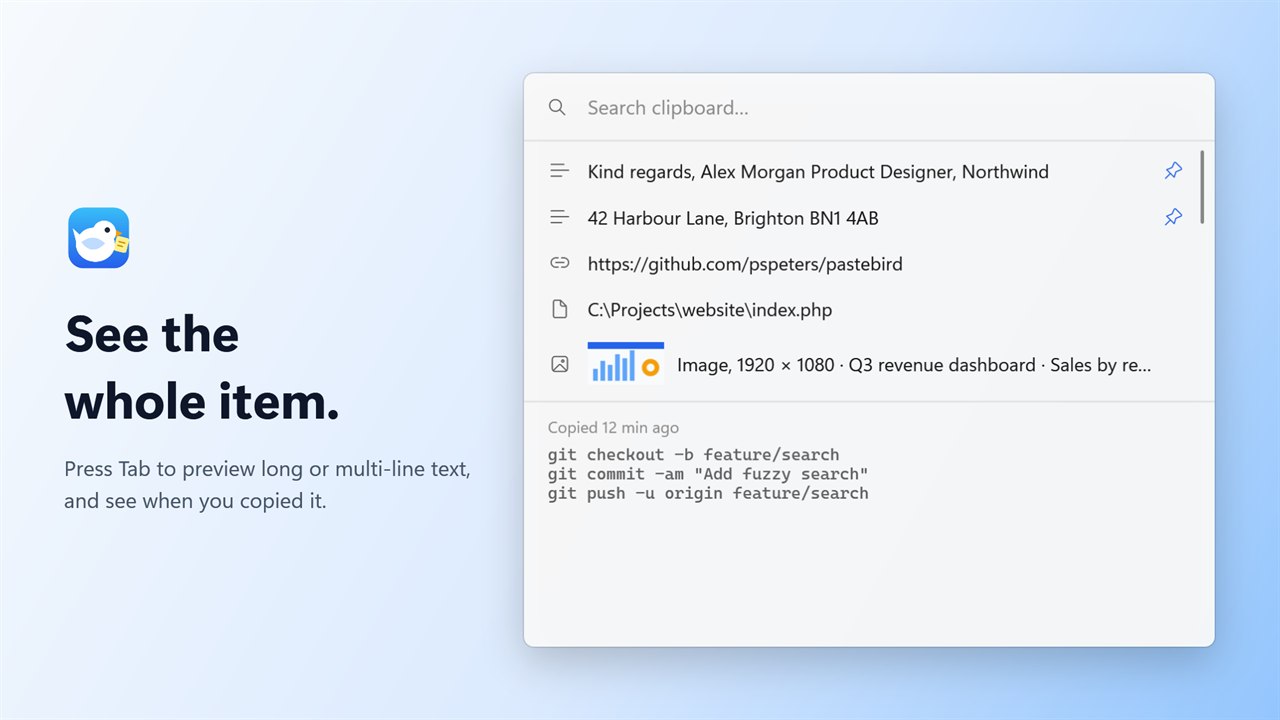
Open, search, preview, paste and delete without touching the mouse.

Pastebird remembers everything you copy. Press Ctrl Shift V (on a Mac ⇧ ⌘ V), type a few letters and hit Enter. Done.
Pastebird is for Windows 11 pcs and Macs. Send yourself the link and install it on your computer.
Link copied. Paste it in a message or email to yourself.
Use Ctrl C anywhere. Pastebird quietly keeps text, links, paths, files and images.
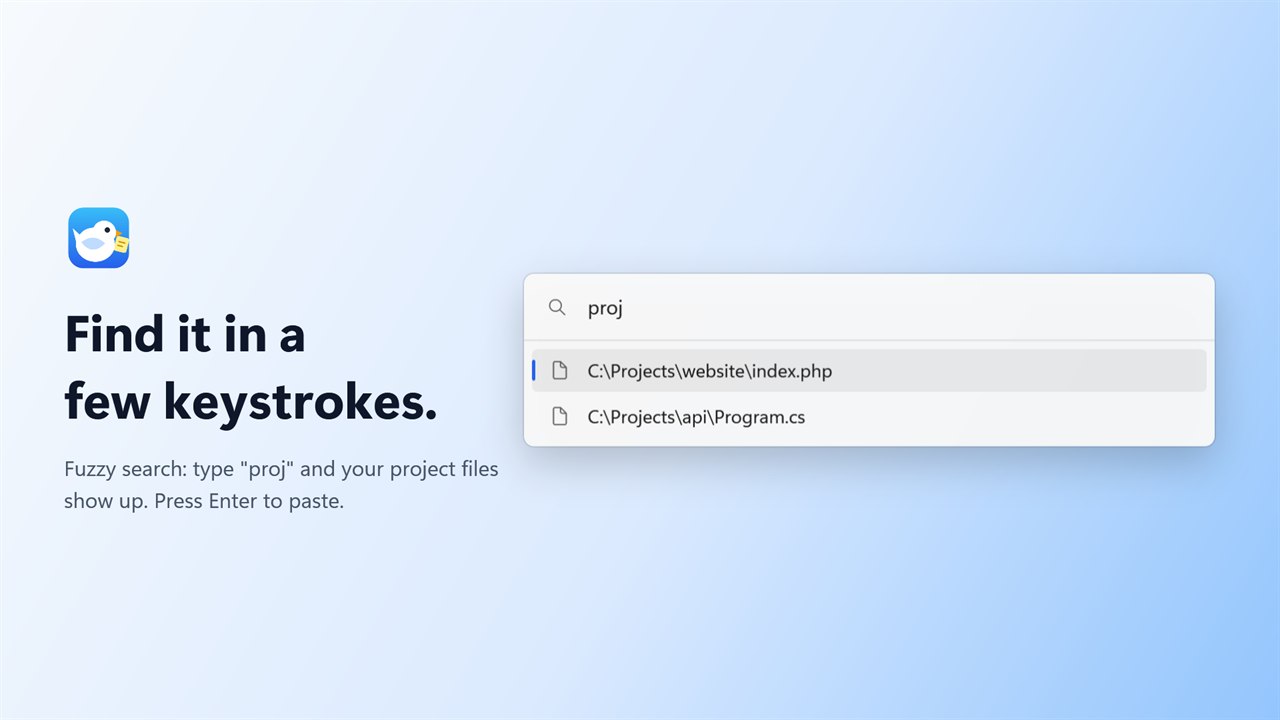
Press Ctrl Shift V and start typing. Fuzzy search finds it instantly.
Pastebird pastes it straight into the app you were working in and gets out of the way.
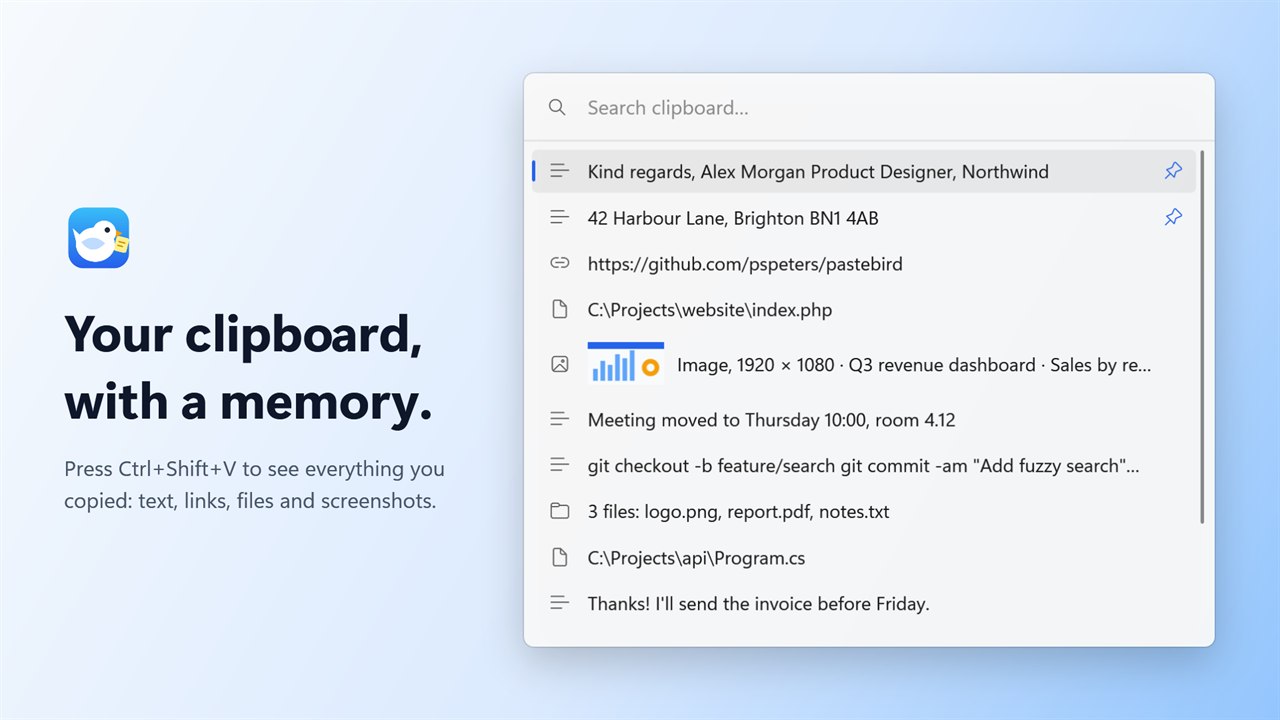
No main window, no toolbars, no settings you need to understand. Just your clipboard history, one shortcut away.
Open, search, preview, paste and delete without touching the mouse.
Opens without delay and stays light in the background.
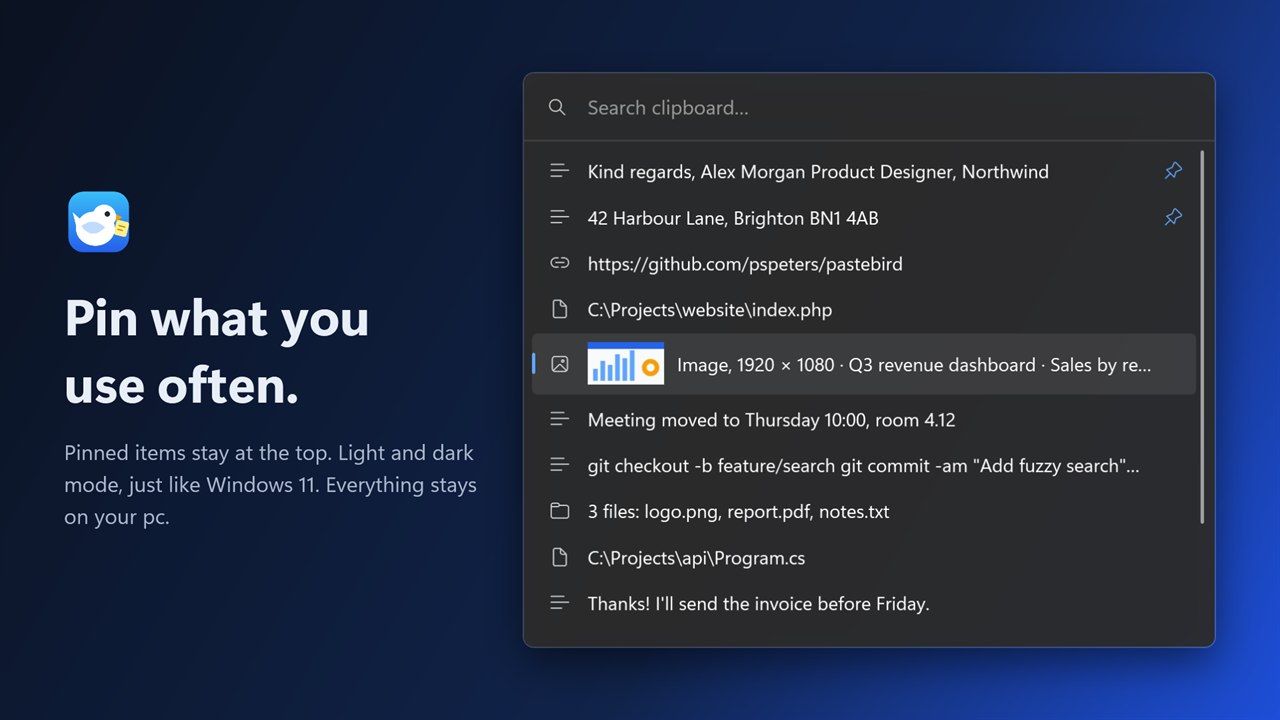
Acrylic on Windows 11, the translucent look of macOS on a Mac. Rounded corners, light and dark mode.
No account, no cloud, no tracking. Your history is encrypted on your computer.
Text keeps its formatting, screenshots are found by the words on them and copied files paste as real files in Explorer or Finder.
Follows the language of your computer, or pick one in Settings.
On a Mac, use ⌘ instead of Ctrl: ⇧ ⌘ V opens Pastebird, ⌘ ⌫ removes an item and ⇧ ⌘ ⌫ clears the history.
Your clipboard is personal: passwords, addresses, messages. Pastebird treats it that way.
Read the privacy policy →Yes. Windows shows this for new apps from independent developers that aren't yet widely downloaded. Click More info → Run anyway. The source code is public on GitHub.
They are the same free app. Not sure? Pick the Microsoft Store. The Microsoft Store version installs without a Windows warning and the Store keeps it up to date. The installer from GitHub updates itself. Install just one of them: both would claim the same shortcut.
Yes, for macOS 13 or later, on Apple silicon and Intel. Open the disk image and drag Pastebird to Applications. It lives in the menu bar: click the bird to open it, right-click for Settings. Press ⇧ ⌘ V anywhere. To paste straight into the app you were in, macOS asks you once to allow Pastebird under Privacy & Security → Accessibility.
Not as an unknown app. The Mac version is signed with an Apple Developer ID and notarized: Apple checked it before it was published. The first time, macOS only asks whether you want to open an app downloaded from the internet: click Open. If macOS says it can't verify Pastebird, download it again from this site or GitHub, and don't open a copy from anywhere else. After that, macOS asks once to allow Pastebird under Privacy & Security → Accessibility, so it can paste into the app you were in. The source code is public on GitHub.
In some apps (Chrome, Word, Teams) it means "paste without formatting". Pastebird takes over this shortcut system-wide; you can choose a different one in Settings. To paste without formatting, press Ctrl Enter in Pastebird.
Windows doesn't allow pasting into apps that run as administrator. The item is still on your clipboard, so just press Ctrl V.
No. The installer installs for your account only and includes everything it needs.
Pastebird keeps text with its formatting, links, file paths, copied files and images such as screenshots, and finds screenshots by the words on them. It doesn't sync between computers; your history stays on your own computer. See the comparison with Win+V and Ditto.
On Windows: Settings → Apps → Pastebird → Uninstall. This also removes your stored history. On a Mac: right-click the Pastebird icon in the menu bar → Quit Pastebird, then drag Pastebird from Applications to the Trash.
Yes, free and open source under the MIT license. No ads, no premium version.
Pastebird checks for updates once a day and shows a notification when there is a new version. Click it and Pastebird updates and restarts by itself. Your history and settings stay. Installed from the Microsoft Store? Then the Store keeps Pastebird up to date.
Pastebird is a spare-time project. If it saves you time, a coffee helps keep it going.
Free for Windows 11 and Mac. Installs in seconds, no account needed.
Pastebird is for Windows 11 pcs and Macs. Send yourself the link and install it on your computer.
Link copied. Paste it in a message or email to yourself.